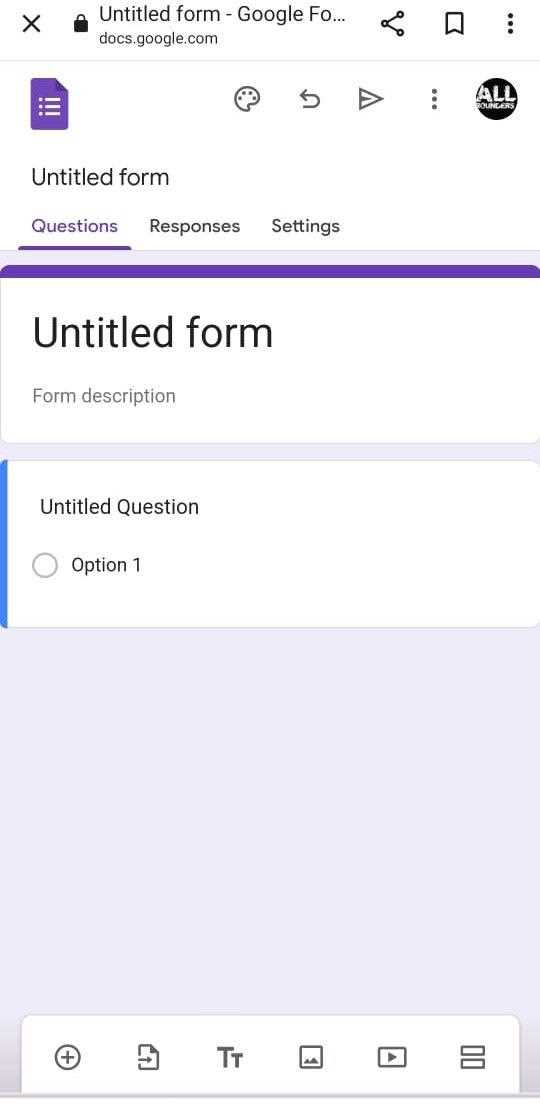
How to Create an Answer Key in Google Forms for Automatic Grading
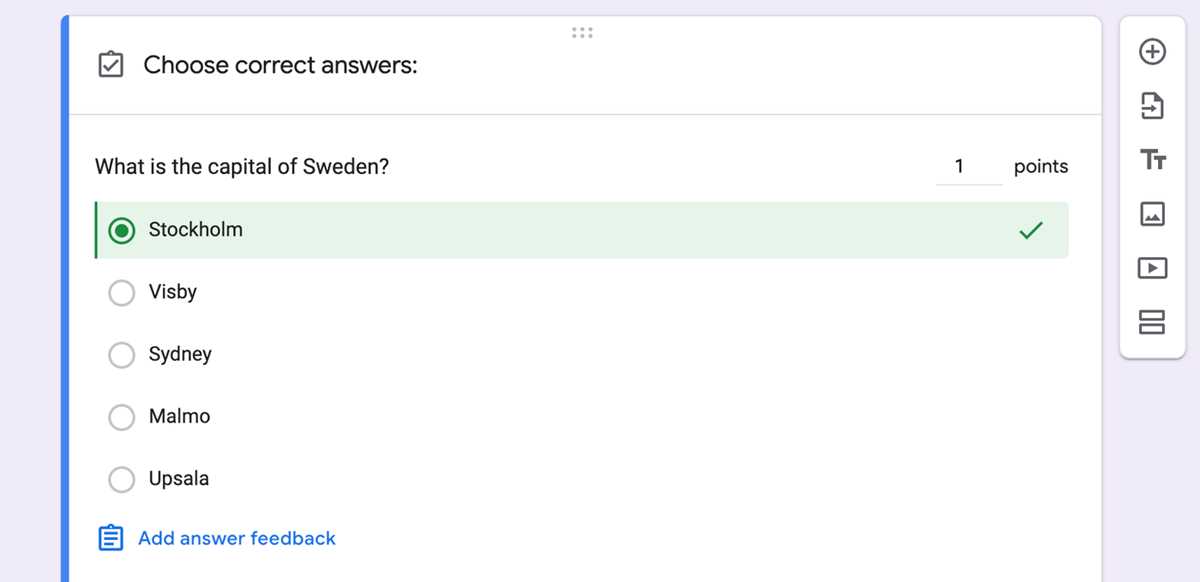
To quickly assign grades or feedback based on responses, set correct choices for each question. This will automatically score responses without manual checking. Open the settings menu and activate the option for quiz grading. Each correct answer can be marked with a value, and a score will be given when someone completes the survey.
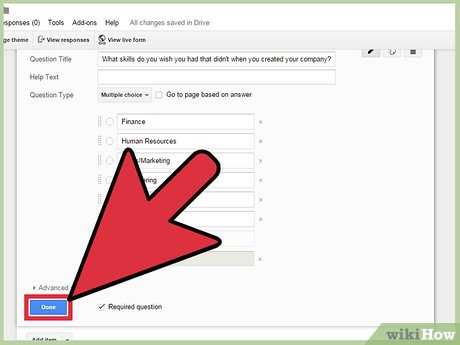
For multiple-choice questions, choose the right option and mark it as correct. For short or long-answer questions, use specific keywords to validate answers. If needed, set partial points for incomplete or partially correct responses. You can also create customized messages to display once a participant finishes.
After creating the correct responses, make sure to test the setup before sharing the survey link. This will help ensure everything functions as expected, giving you accurate scores and feedback once responses start coming in.